Warning: Undefined array key "ssba_bar_buttons" in /home2/tectonic/public_html/www.abrahamsconsulting.com/blog/wp-content/plugins/simple-share-buttons-adder/php/class-buttons.php on line 598
Warning: Undefined array key "ssba_bar_buttons" in /home2/tectonic/public_html/www.abrahamsconsulting.com/blog/wp-content/plugins/simple-share-buttons-adder/php/class-buttons.php on line 598
Warning: Undefined array key "ssba_bar_buttons" in /home2/tectonic/public_html/www.abrahamsconsulting.com/blog/wp-content/plugins/simple-share-buttons-adder/php/class-buttons.php on line 598
Warning: Undefined array key "ssba_bar_buttons" in /home2/tectonic/public_html/www.abrahamsconsulting.com/blog/wp-content/plugins/simple-share-buttons-adder/php/class-buttons.php on line 598
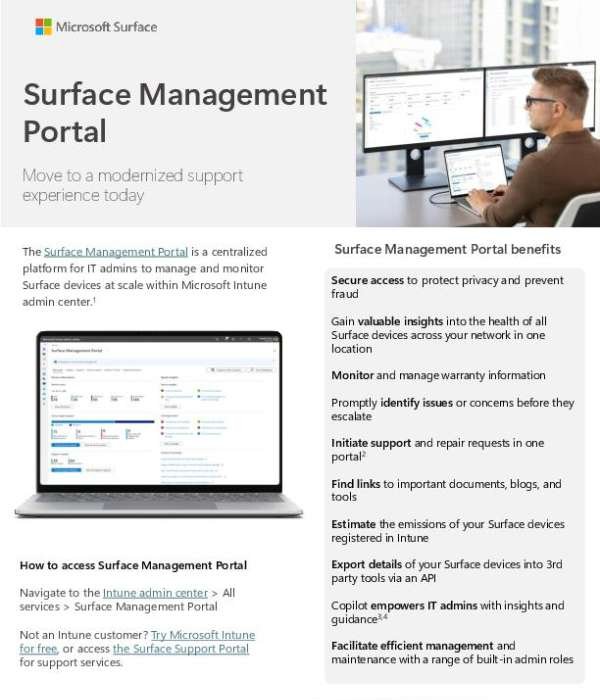
Microsoft’s new Security Copilot in the Surface Management Portal, built right into Intune, offers a comprehensive platform for IT admins to manage and monitor Surface devices across a network. Enjoy exclusive benefits such as insights into all Surface devices’ health, efficient management and maintenance using built-in admin roles, and the option to initiate support and repair requests all within one portal. Also, the Portal promotes secure access to protect privacy and prevent fraud. It brings AI-powered insights to IT teams, enabling automated troubleshooting, proactive device management, and security-driven intelligence to help resolve issues faster and strengthen security postures. If you’re not an Intune customer, you can try Microsoft Intune for free or access the Surface Support Portal for support services. Contact us to learn more and get started with the new Surface Management Portal today!


